


Make (Automation Workflows)
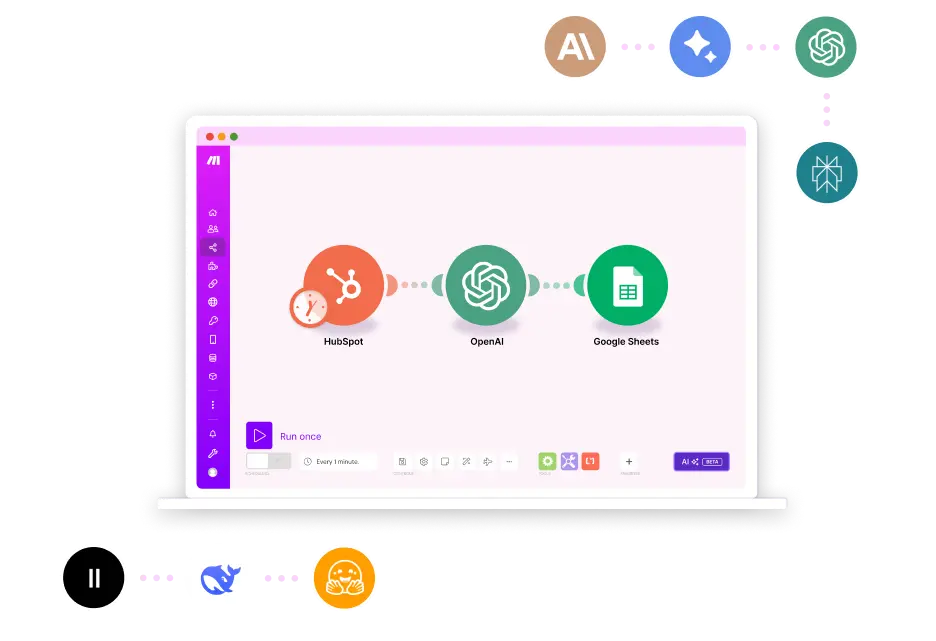
Make is the tool we rely on when we need custom, flexible integrations that Pulse HQ can’t handle on its own. It acts as the connector between your website, your forms, your CRM, and any tool your business depends on.
One of the biggest reasons we use Make is for Webflow forms. Most form builders are limited, but Webflow gives us full control over design. Using Make, we can catch each form submission with a webhook and instantly send it into Pulse HQ, complete with tags, source tracking, and automation triggers.
This gives us:
- Total freedom to design any form inside Webflow
- Reliable delivery of lead data into Pulse HQ
- No need for clunky add-ons or restrictive form tools
We also use Make to handle CRM integrations for clients who come in with existing systems. Instead of forcing them to switch tools on Day 1, we can connect their current CRM to Pulse HQ, letting data flow smoothly while we build out a better long-term setup.
Common uses include:
- Sending Webflow form submissions to Pulse HQ
- Connecting external CRMs (HubSpot, Zoho, etc.)
- Triggering automations when leads submit forms
- Passing updated contact info between systems
- Creating custom workflows unique to each client
Make quietly runs the “behind-the-scenes” work — turning separate tools into one connected system, without your team needing to manually move data or switch platforms.
If Pulse HQ is the front-end dashboard, Make is the wiring behind it that keeps everything talking to each other.